Capture Desktop
Screenshots the tab exactly as it is rendered on your screen, at your display's full pixel density. Best for dashboards, editors and anything wide.
A Chrome extension that screenshots the current tab, either as it is or through a real emulated tablet or phone viewport, and opens it in the studio ready to render.
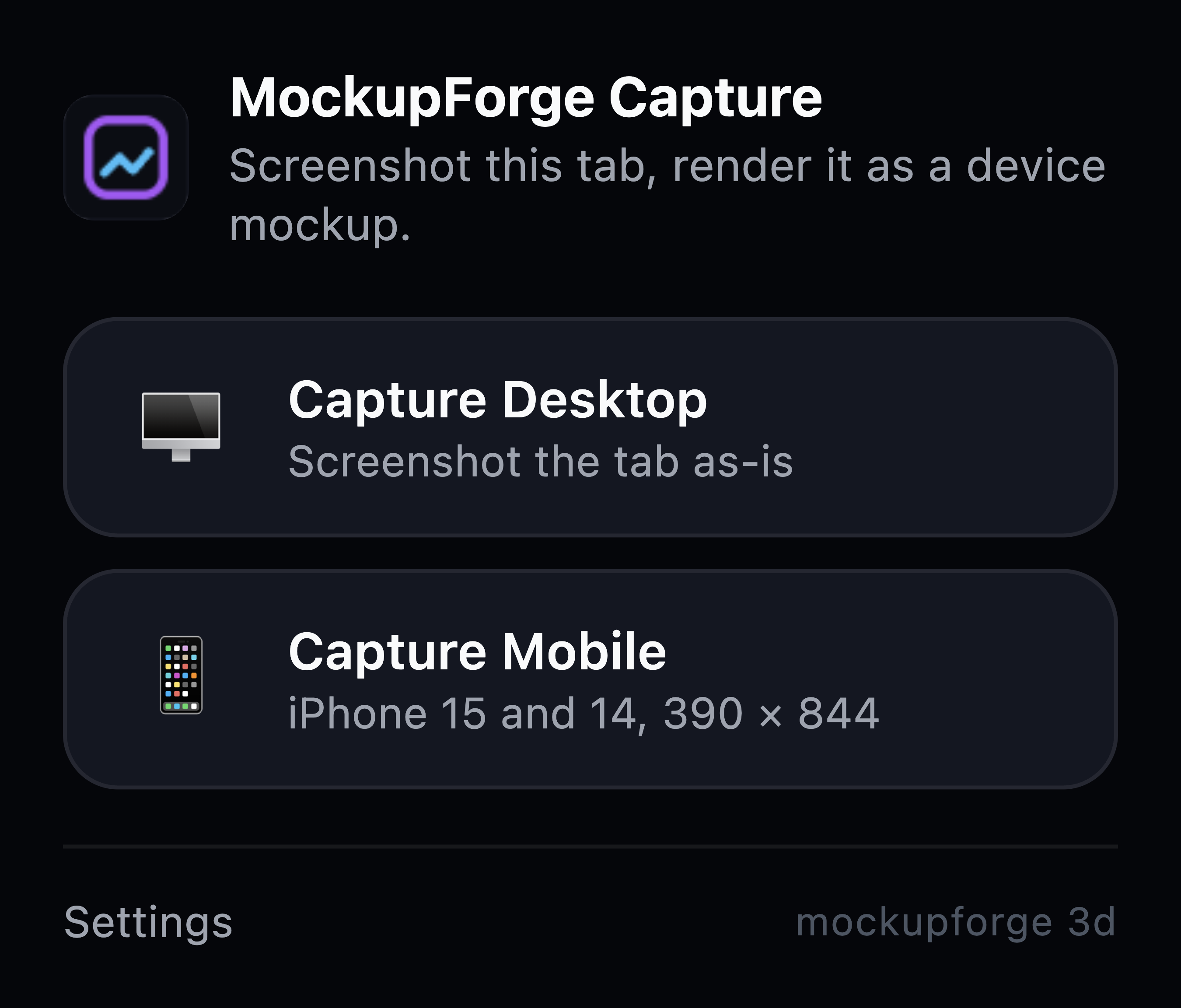
Click the toolbar icon on any page and pick how you want it captured.
Screenshots the tab exactly as it is rendered on your screen, at your display's full pixel density. Best for dashboards, editors and anything wide.
Same idea at tablet width. The page reflows to whatever it actually does on an iPad, and the capture opens on the studio's iPad model rather than a laptop, so it is not cropped to fit the wrong screen.
Switches the page into a phone viewport first, then screenshots that. The site genuinely reflows to its mobile layout, so you get the real thing rather than a desktop shot squeezed into a phone frame.
Takes a desktop and a mobile shot of the same page in one go, then opens them together on the studio's MacBook and iPhone model. One image that shows a client both views of their site at once, without lining anything up by hand.
Keyboard, if you prefer: CmdShift9 for desktop, CmdShift7 for tablet and CmdShift8 for mobile. Use Ctrl instead of Cmd on Windows and Linux.
It is listed, reviewed and free. The steps below are the manual route, which is still here for two reasons: you may want to read the code before you run it, and the packaged build occasionally runs ahead of the published listing.
You get a folder called mockupforge-capture. Keep it somewhere you will not delete by accident, because Chrome loads it from that location every time it starts.
Type chrome://extensions into the address bar. Chrome will not let a link take you there, so it has to be typed.
The switch sits in the top right of that page.
Click Load unpacked, choose the unzipped folder, and the extension appears in your list. Pin it to the toolbar from the puzzle piece icon so it is one click away.
The guide covers the manual route, plus how to take your first capture.
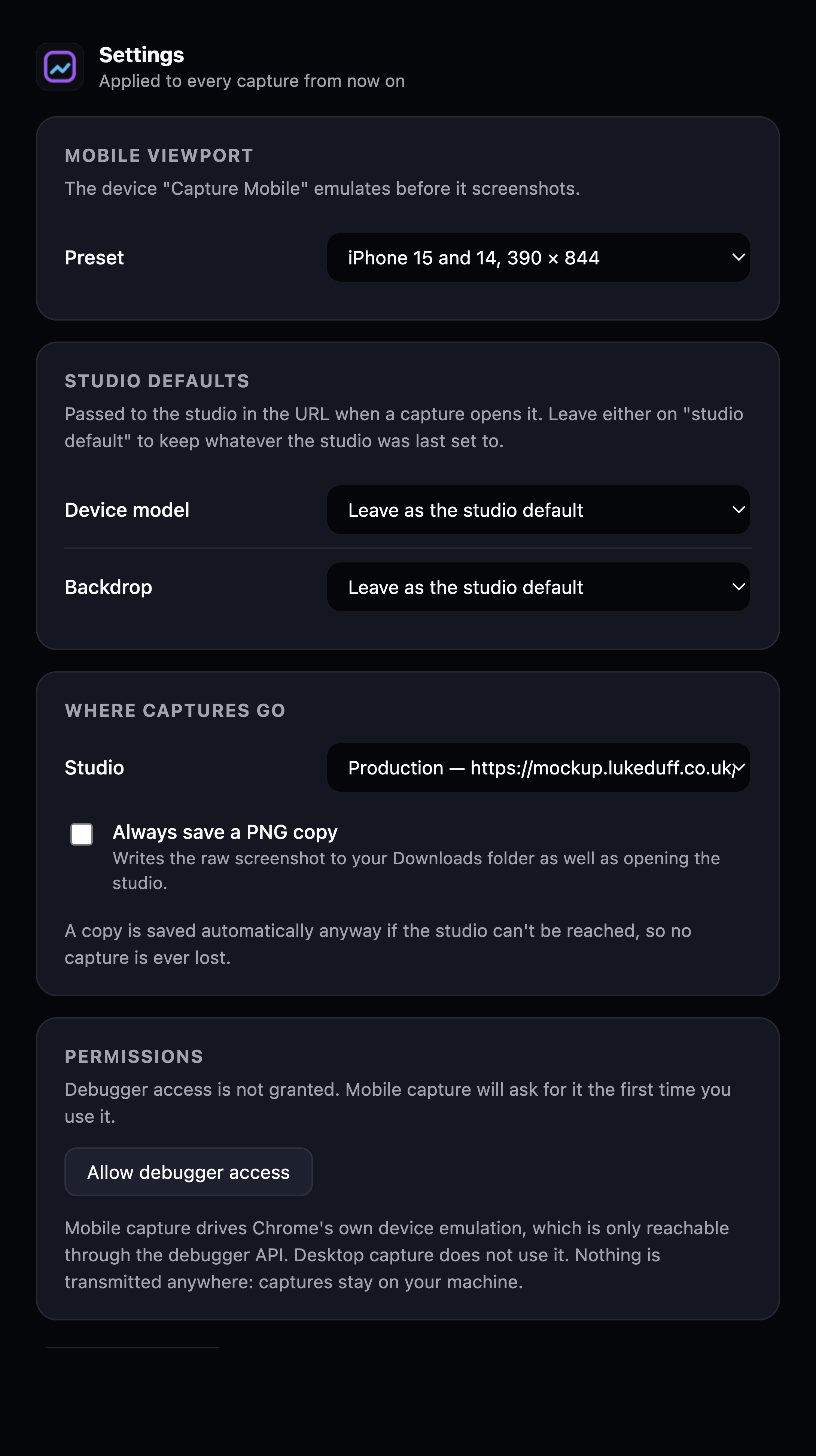
There is no server, no account, no analytics and no network request of any kind in the extension. Your screenshot goes from Chrome into the studio tab on your own machine, and the studio renders it in your browser. The code is short enough to read in one sitting, and the zip contains nothing but the files listed on this page.
Worth knowing before you install rather than after.
chrome:// pages and the Web Store. Nothing can be done about that.