MacBook mockups, rendered in 3D.
Drop a website screenshot onto a real MacBook Pro 16 model, turn it to any angle, and export at 4K. Free, in your browser, nothing uploaded.
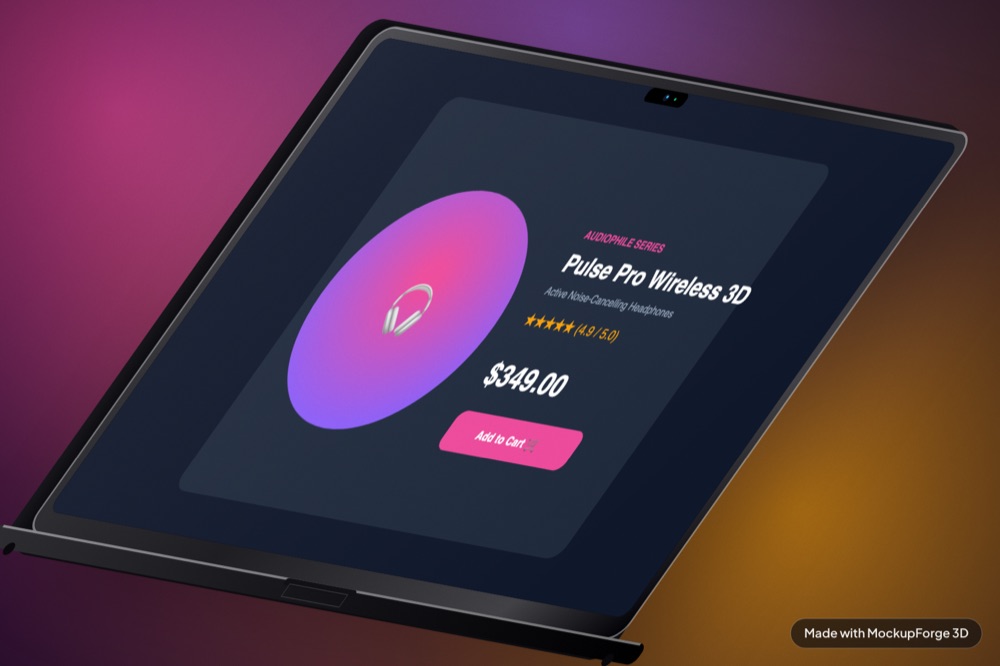
The laptop most website screenshots want
A MacBook is the default frame for a desktop site, because the screen is roughly the shape a desktop layout is designed for. You lose almost nothing to cropping, which is not true of a phone or a tablet.
The model here is a MacBook Pro 16, rendered in WebGL with an image-based lighting environment rather than composited into a photograph. The lid catches light as you rotate it and the shadow underneath is computed from the model's own footprint, so it stays believable at angles a flat mockup could not survive.
The screenshot size that fits
The MacBook's screen is 888 by 543 units, an aspect of
1.635, which is 16:10 for practical purposes. Any standard desktop
screenshot is close enough that cover crops only a few percent.
| What | Value |
|---|---|
| Screen aspect | 1.635 : 1 (landscape, effectively 16:10) |
| Capture at | 1600 x 1000 or 1440 x 900 |
| Texture resolution | Long edge pinned to 3200px |
| A 16:9 grab | Fine. Roughly 2% cropped off the sides |
| Export sizes | 1x, 2x or 4x PNG |
Hide your floating widgets before you capture. Cookie banners, chat bubbles, "Call now" pills and reCAPTCHA badges all bake into the render and are tedious to paint out afterwards. Scroll to the top first as well, so the header is where a viewer expects it.
Why the middle of your screenshot used to look squashed
Worth knowing, because it is the kind of fault most mockup tools never find. The MacBook model was sourced as a Blender export, and the texture coordinates baked into its screen were not linear. The screen is twelve vertices in three columns, and each column band had been given an equal third of the texture despite the bands covering wildly unequal parts of the glass.
| Column band | Share of the screen | Share of the texture |
|---|---|---|
| Left | 43% | 33% |
| Middle | 14% | 33% |
| Right | 43% | 33% |
A third of every screenshot was being crushed into the middle 14% of the glass while the outer thirds were stretched. The fix recomputes the coordinates from the vertex positions so the mapping is proportional by construction.
It was measured with a ruler image, coloured bars at 0, 25, 50, 75 and 100%, scoring the ratio between bar gaps where 1.000 is perfectly linear. The MacBook went from 1.66 to 1.000. The iPad and iPhone were already 1.004 and 1.010. A single test square cannot detect this, because it only samples one place.
Three moves
- Drop the screenshot in. Drag a PNG onto the Screen panel, or start from one of the demo screens.
- Turn the laptop. Drag the canvas to rotate, or use the yaw, pitch and roll sliders for an exact angle.
0resets the camera. - Export.
Edownloads a PNG,Ccopies it to the clipboard. 4x is 7680 by 4320.
What comes out
Three renders of the same model at different angles and backdrops, all exported straight from the tool. The screens are real sites, not placeholder art.
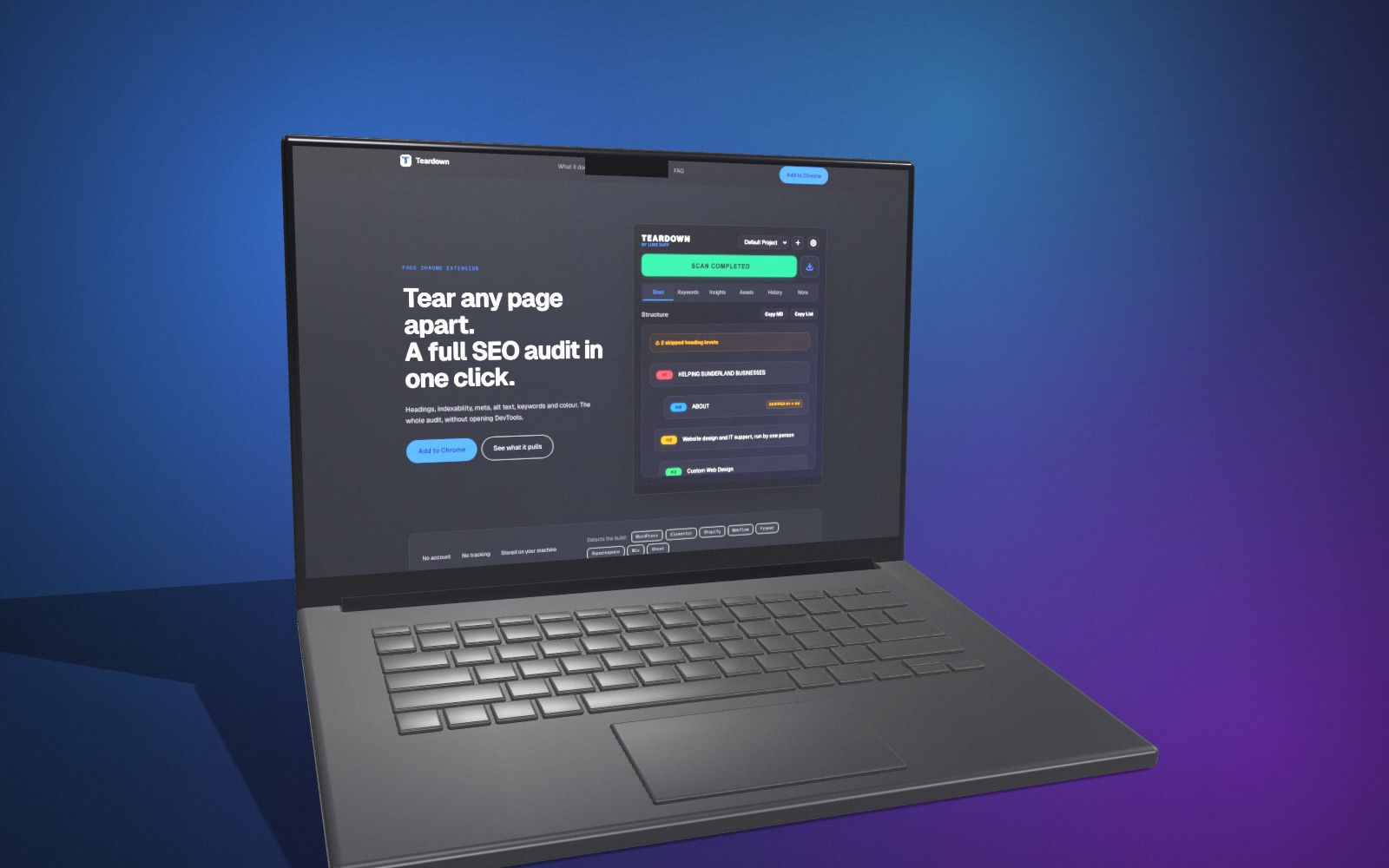
yaw -20, pitch 6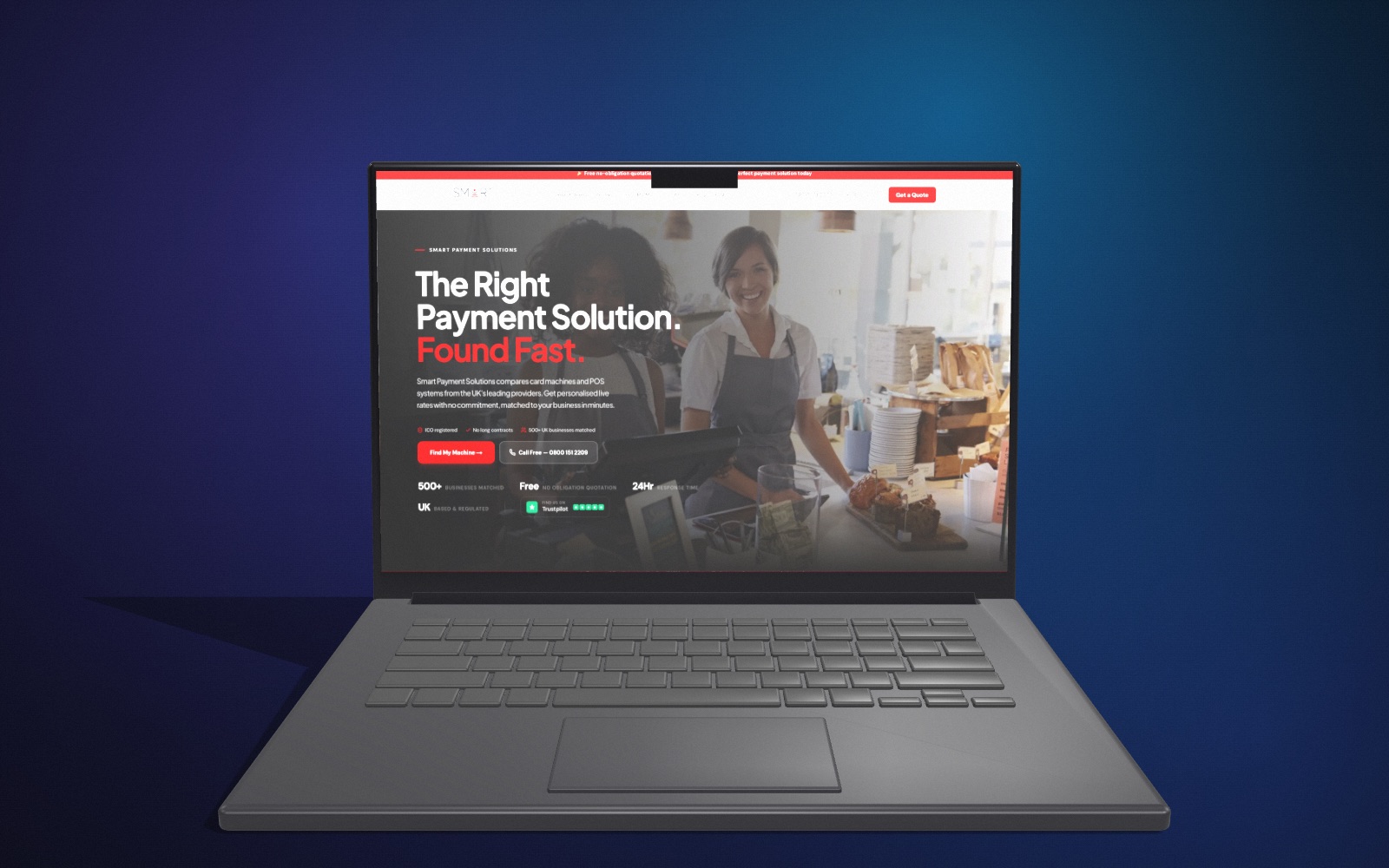
yaw 0, pitch 2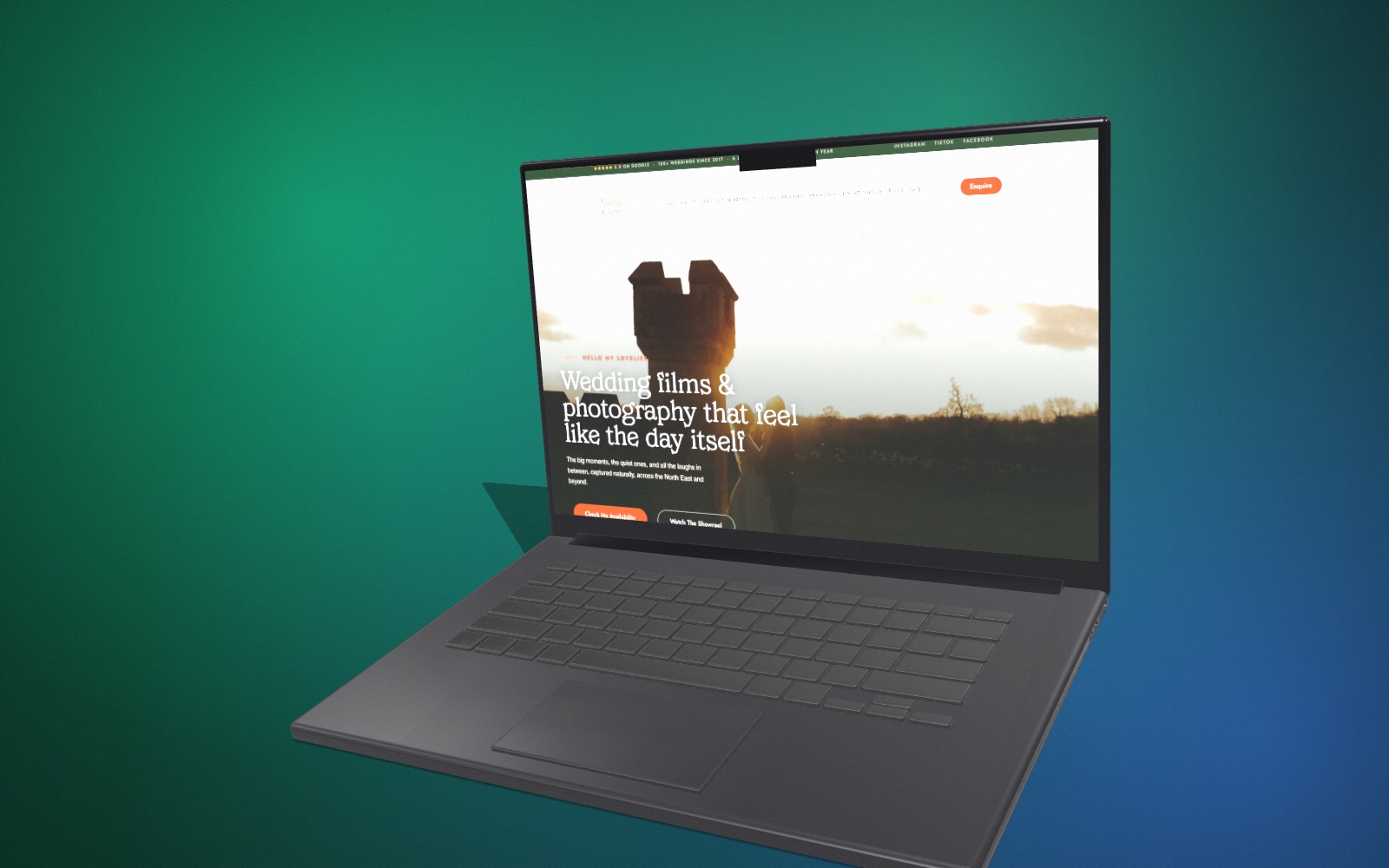
yaw 30, pitch 10, roll -3Where the render goes
Nowhere. Everything runs client-side in your browser, so there is no upload, no account and no server rendering queue. Close the tab and nothing of yours remains. Details are in the privacy policy.
Renders are yours to use commercially, client work included. The free tier bakes a small watermark into the exported file.