iPad mockups, rendered in 3D.
Drop a screenshot onto a real iPad Pro model, tilt it, and export at 4K. Free, in your browser, and nothing is uploaded.
The one people get backwards
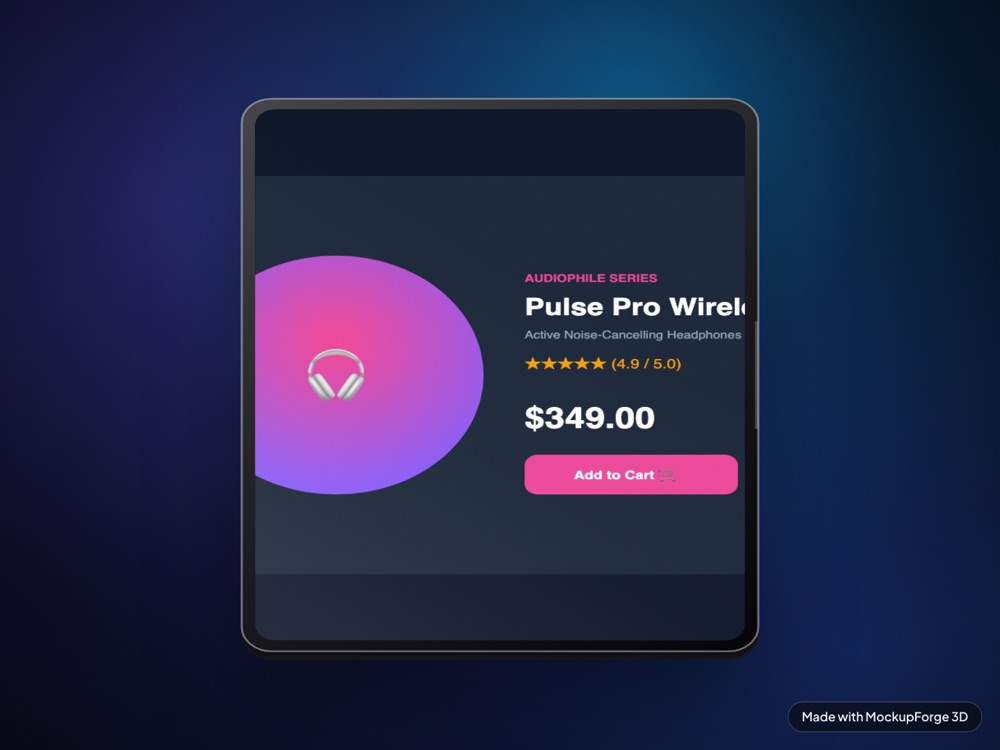
A tablet reads as landscape to most people, so the instinct is to feed it a desktop screenshot. The model in this tool is portrait, and that mismatch is the single most common reason an iPad render comes out looking wrong.
It is an iPad Pro rendered in WebGL with real lighting and a real camera, not a screenshot pasted into a photograph. Tilt it back into a flat-lay and the glass catches the environment properly, because the highlight is being computed from the surface normal rather than painted on.
The screenshot size that fits
The iPad's screen is 588 by 788 units, an aspect of
0.746, which is 3:4 to within half a percent. Fit mode defaults to
cover, so anything wider gets cropped rather than letterboxed.
| What | Value |
|---|---|
| Screen aspect | 3 : 4 (portrait) |
| Capture at | 1536 x 2048 or 834 x 1112 |
| Texture resolution | Long edge pinned to 3200px |
| If you use a landscape grab | It is cropped to a centre strip |
| Export sizes | 1x, 2x or 4x PNG |
Capture in portrait. A 1440 by 900 landscape screenshot on a 3:4 screen keeps only the middle band of the image. The sides of your layout go, and on most sites that means the navigation and half the hero.
Set your browser window or device toolbar to a tablet portrait size before you shoot. If your site has a genuine tablet breakpoint this is worth doing properly, because it is the layout an iPad would actually display.
Why this model needed special handling
Two things about the source asset are worth knowing, because they are the sort of thing that quietly ruins a render elsewhere.
The file is a marketing pair, two complete tablets in one scene, a front and a back. Only the first is kept. The filter that does that is written by node index, and it was originally set assuming 62 children when the scene root actually has 26, so it matched everything and the second tablet's back shell rendered alongside the first.
The screen's texture island is also packed rotated 90 degrees relative to the mesh's own width and height. Rather than fight the renderer's texture rotation, your screenshot is pre-rotated on an offscreen canvas before it becomes a texture, which is both simpler and exactly predictable.
Three moves
- Drop the screenshot in. Drag a PNG onto the Screen panel, or use one of the demo screens.
- Tilt the tablet. Drag the canvas to rotate. Pitch is the one that matters most here, since a tablet leaning back reads better than one standing up.
- Export.
Efor a PNG,Cto copy. 4x is 7680 by 4320.
What comes out
Three renders of the same model at different angles and backdrops, all exported straight from the tool. The screens are real sites, not placeholder art.
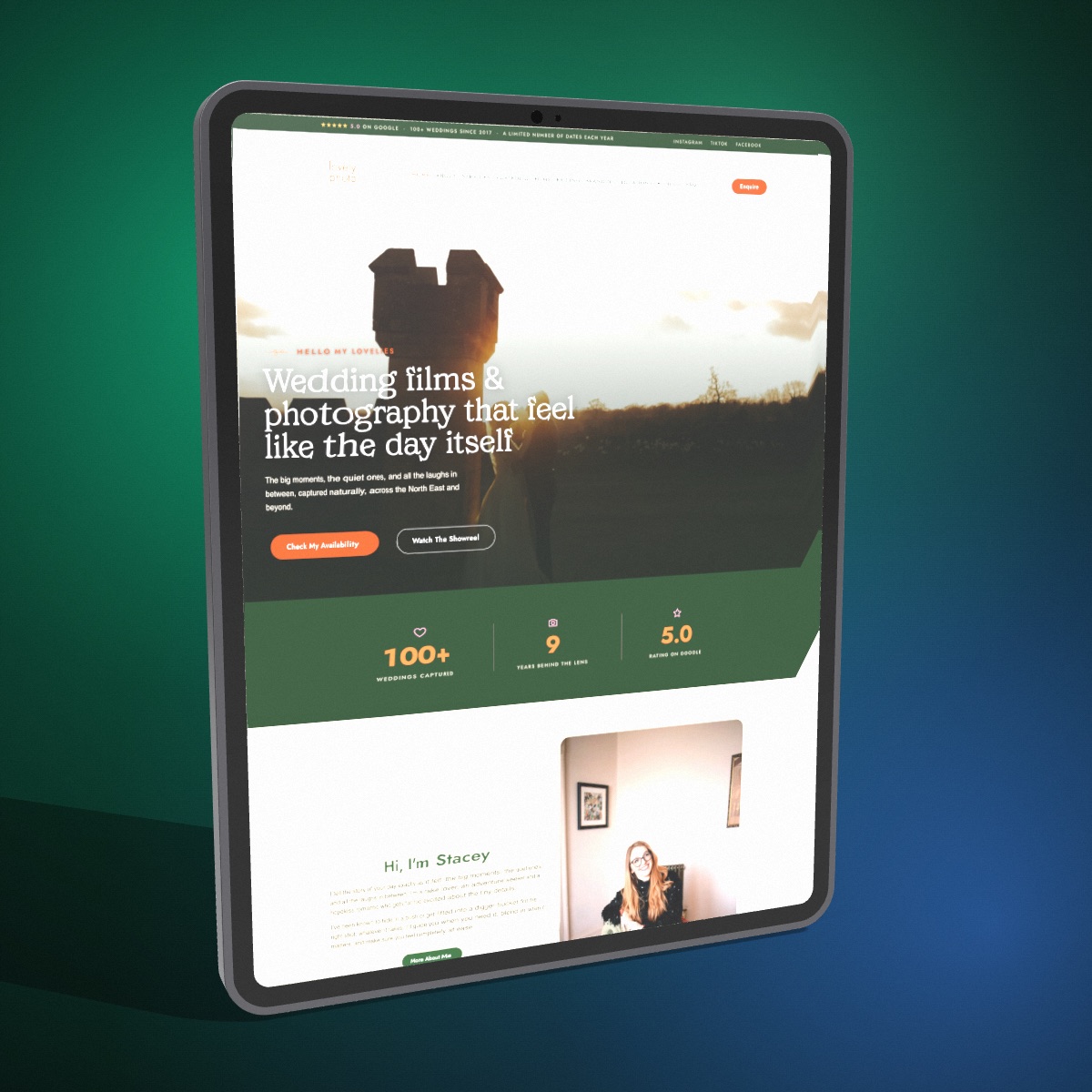
yaw -22, pitch 8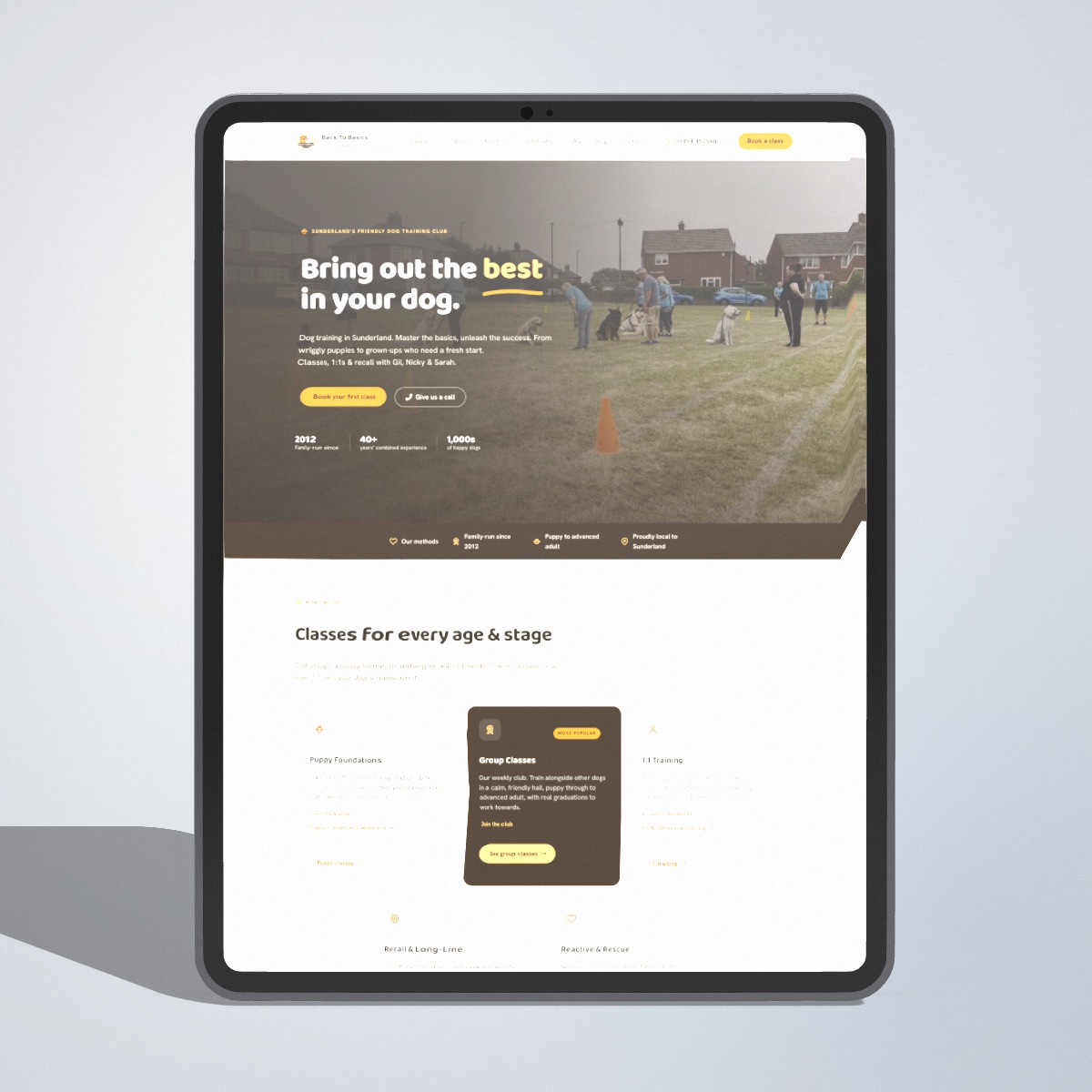
yaw 0, pitch 0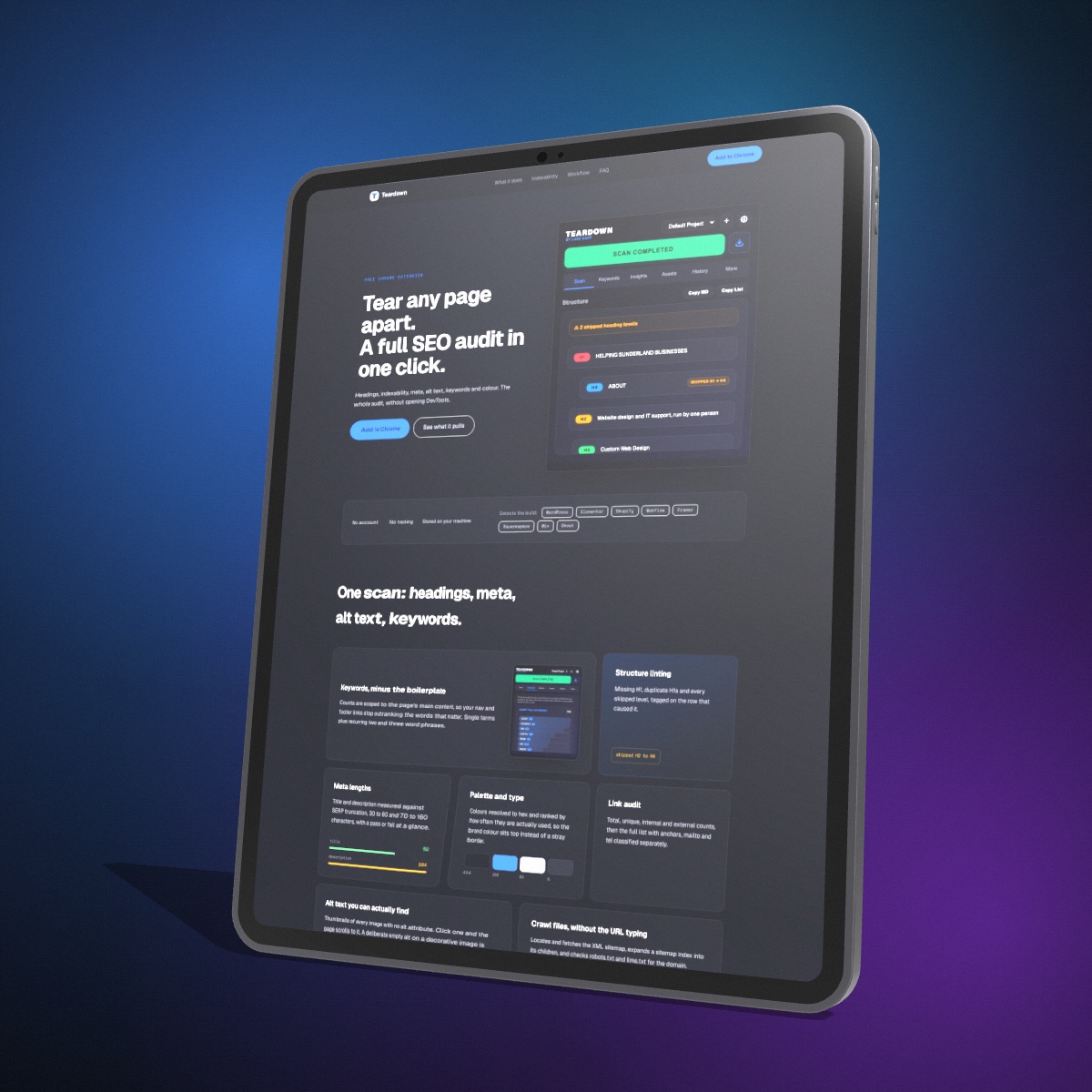
yaw 24, pitch -8, roll 3Where the render goes
Nowhere. The whole thing runs in your browser on your machine, so there is no upload and no account. Close the tab and the screenshot is gone. See the privacy policy for the specifics.
Renders are yours commercially, client work included. The free tier bakes a small watermark into the exported file.