Real perspective
The device is projected through a rotation matrix with an extruded side wall, so the edges foreshorten the way they should. It is not a CSS skew with a drop shadow.
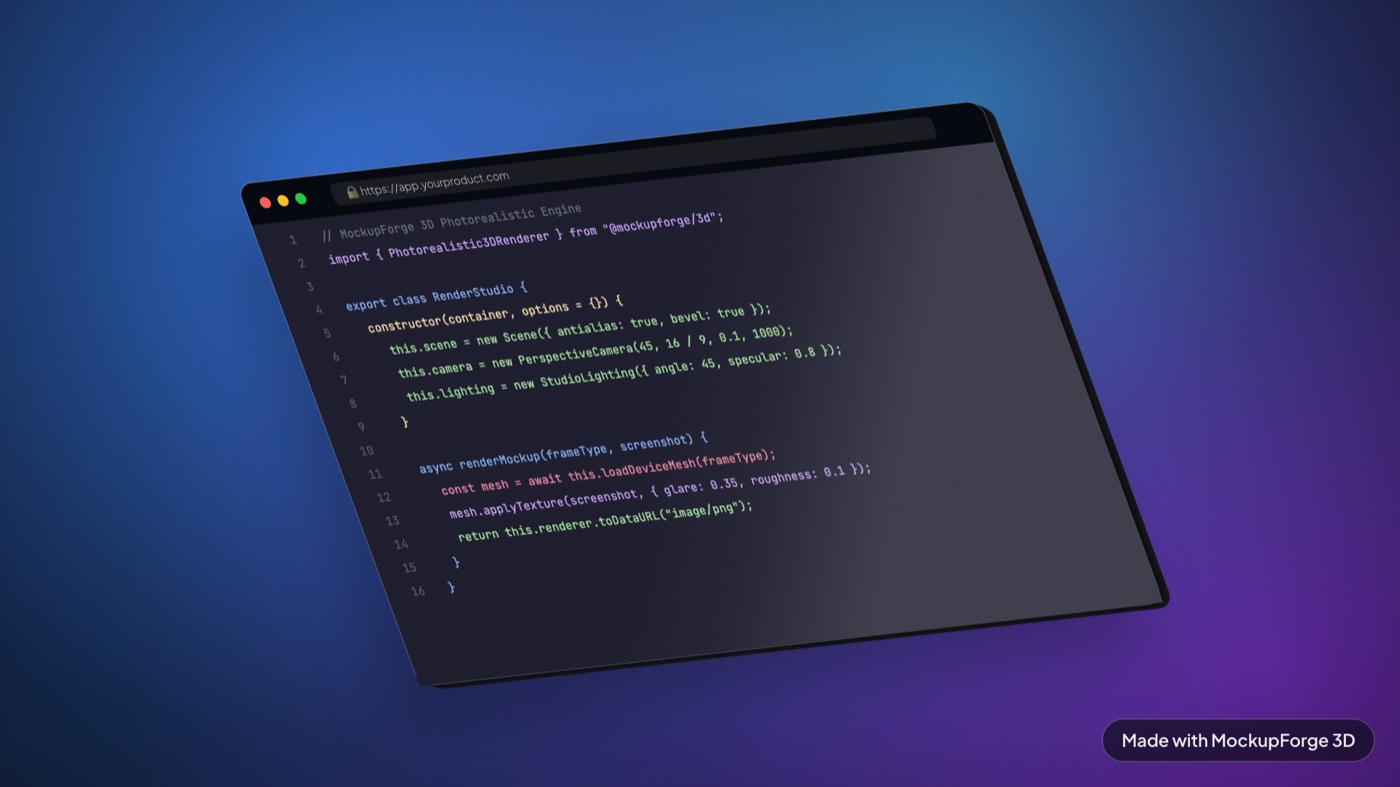
Render yours on a 3D device with studio lighting and export at 4K. Free, in your browser, nothing uploaded.
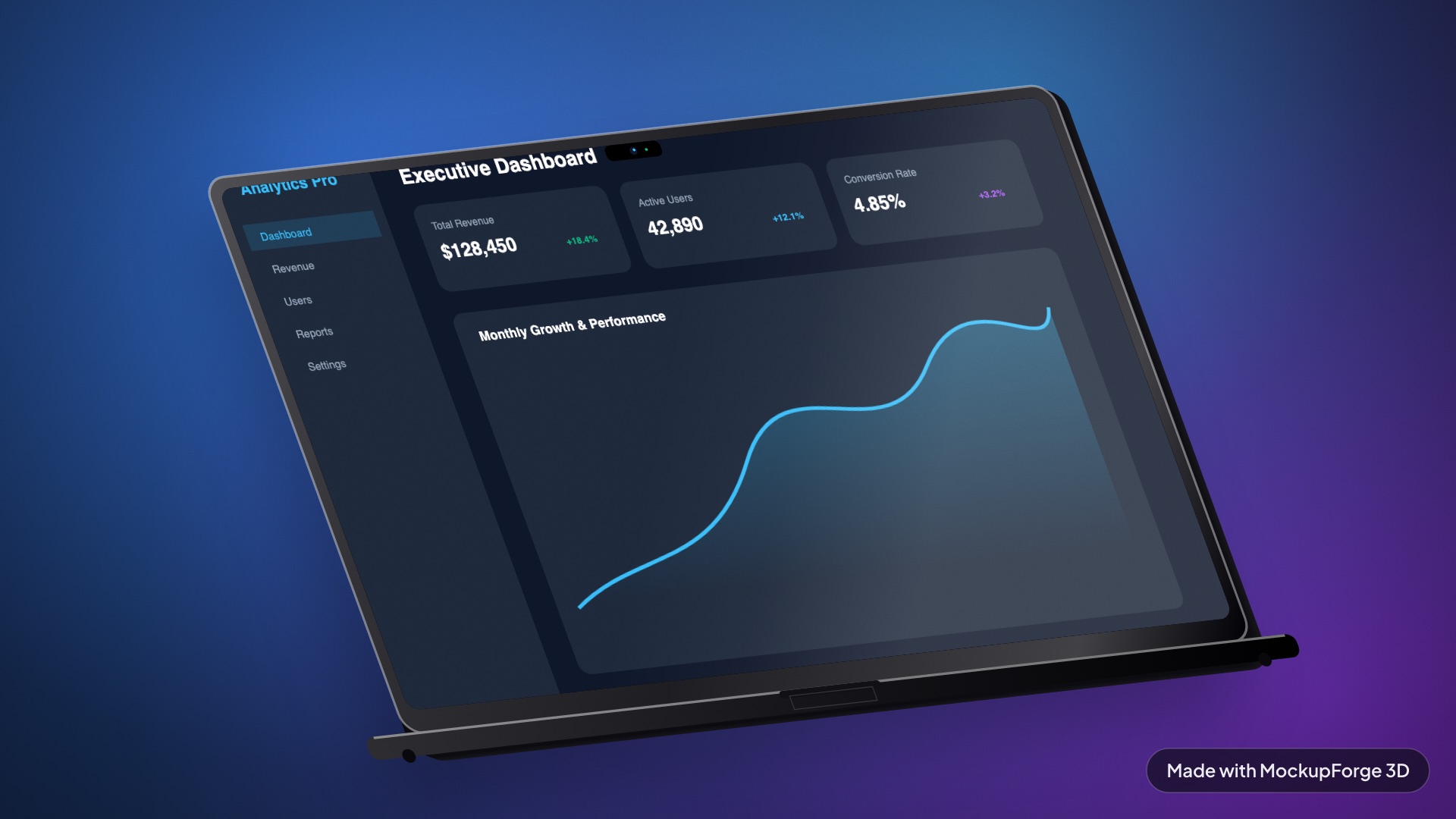
Every image below came out of the tool, from a real live site. Nothing was touched up afterwards.
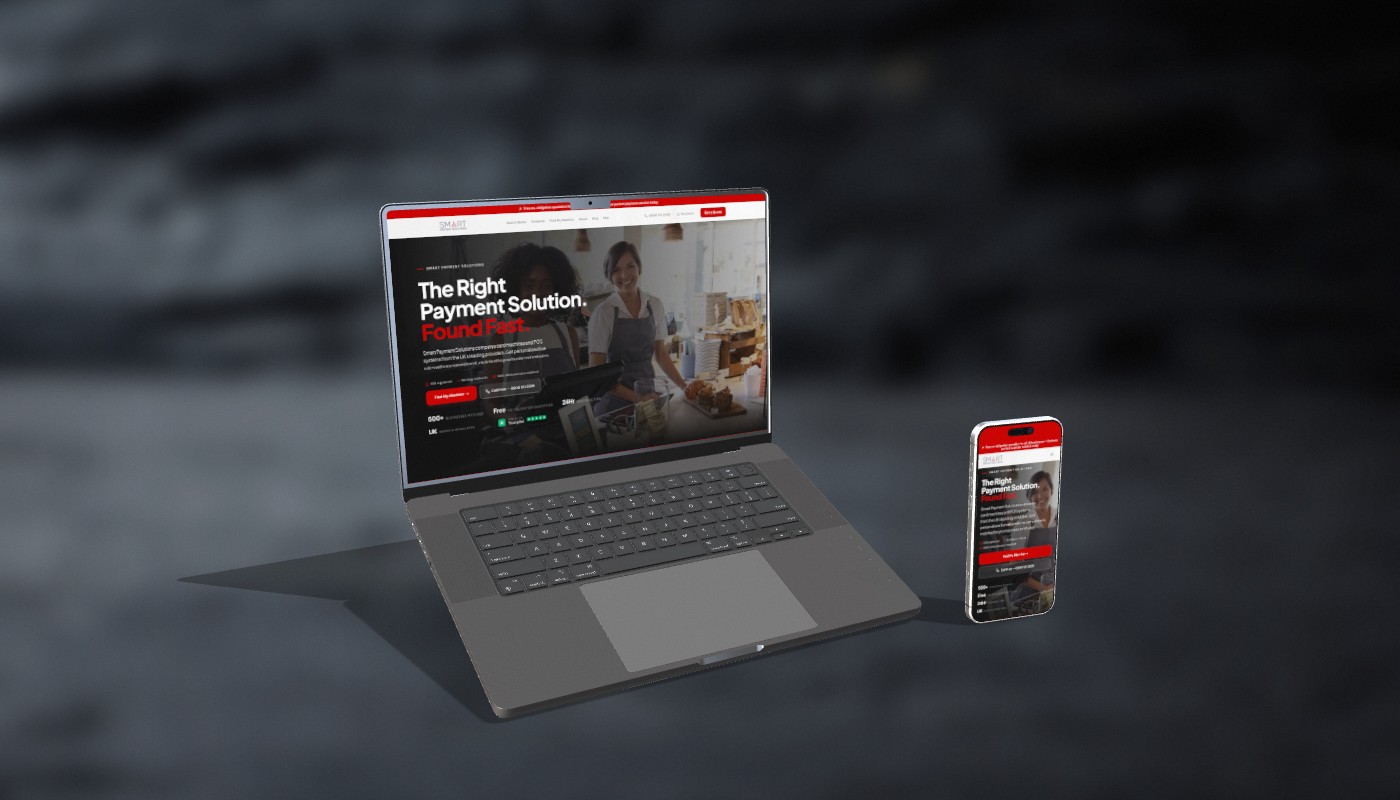
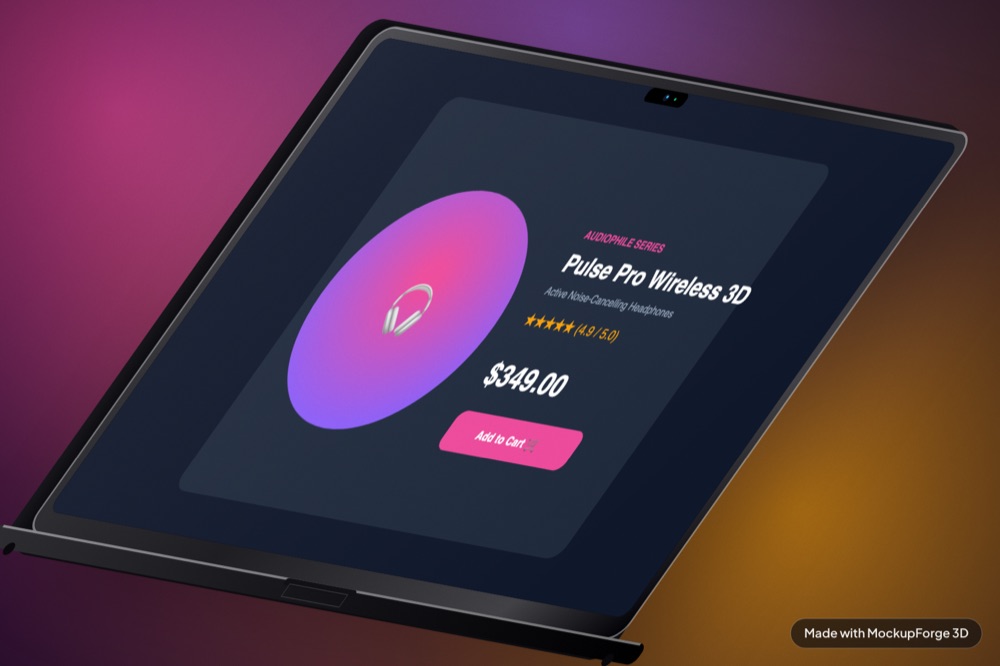
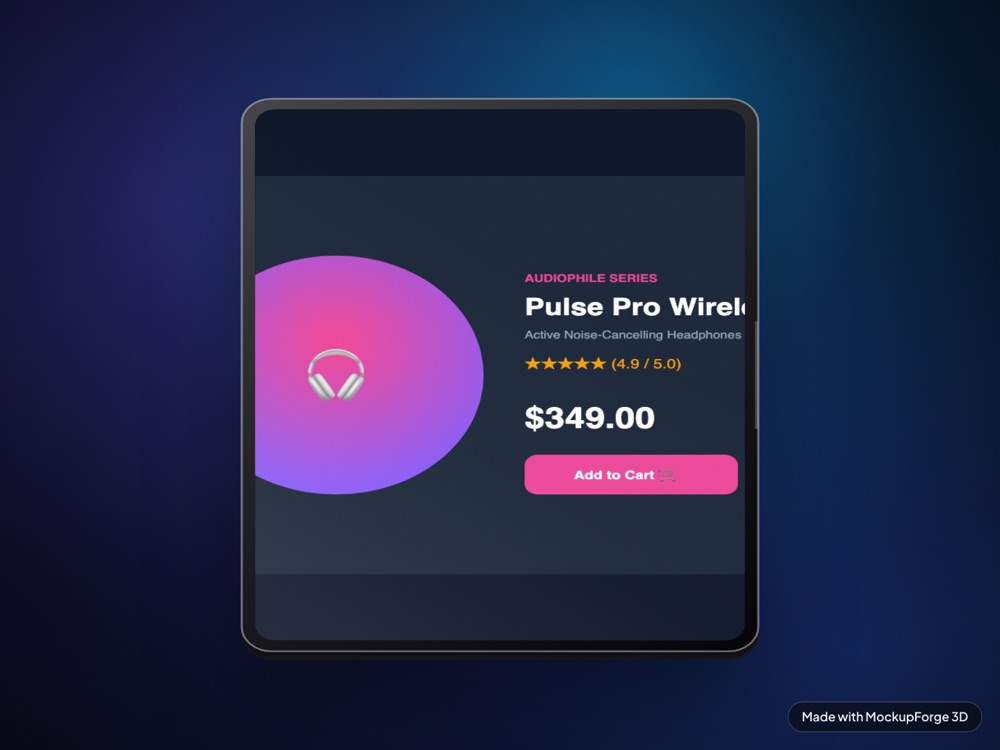
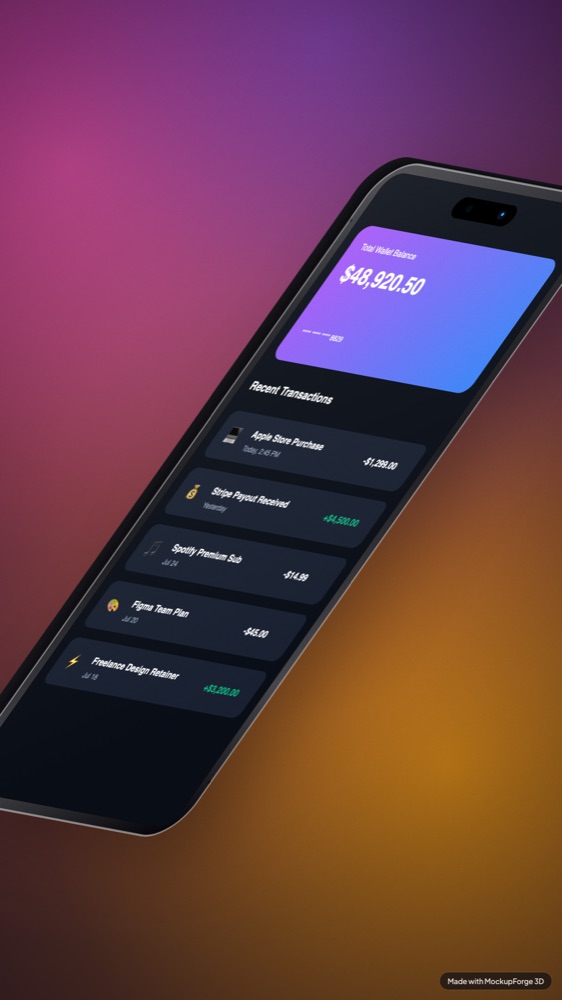
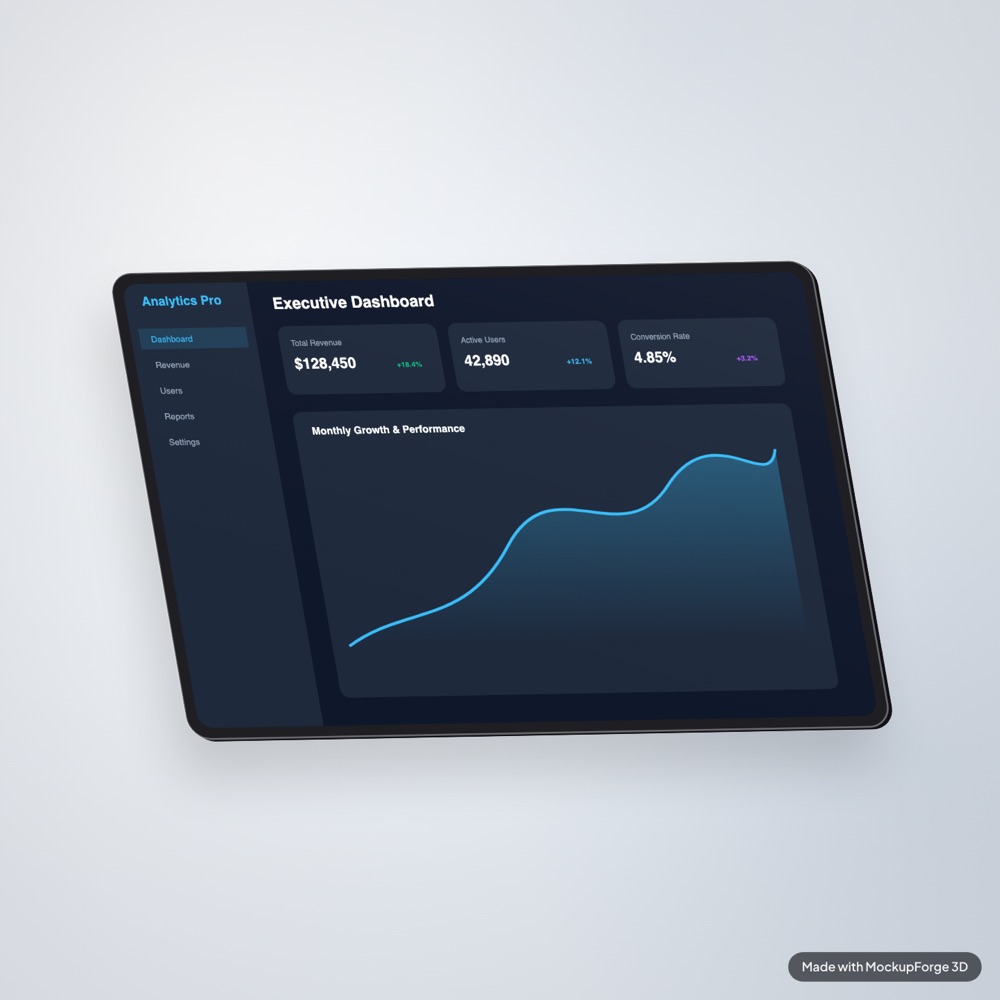
Each device wants a different screenshot shape, and getting it wrong is the usual reason a render looks off. There are guides for the iPhone, MacBook, iPad and websites in a browser, plus how to make one that does not look fake.
No timeline, no layers, no render queue. The canvas updates while you drag.
Drag a PNG onto the panel or pick one of the four demo screens to try it empty-handed.
Drag the canvas to rotate. Yaw, pitch and roll have sliders too when you need an exact angle.
Download a PNG at 1x, 2x or 4x, or copy it straight to your clipboard and paste it somewhere.
The device is projected through a rotation matrix with an extruded side wall, so the edges foreshorten the way they should. It is not a CSS skew with a drop shadow.
Angle, depth, screen zoom and offset, glare, corner radius, light angle, shadow, grain.
Dark studio plates, real surfaces and lit sweeps, plus five gradients, two colour pickers and a transparent PNG if you would rather bring your own.
Keep an angle, finish and backdrop together, then reuse it so a set of shots matches.
Numbers switch device, arrows nudge the angle two degrees, E exports and C copies.
There is no upload, no account and no server doing the rendering. The whole thing is a canvas element and about two thousand lines of JavaScript. Close the tab and nothing of yours remains anywhere.
Everything on this page. No account, no trial, no card.
Not finished yet. Being built in the open.
One email when it is ready. Nothing else.
Yes. Every device, every backdrop and every control is free, and exports go up to 4K. The only thing Pro will change is the watermark, plus a few finishes. There is no trial, no card and no account.
No. The rendering runs on your own machine, in your browser, on a canvas element. Once the page has loaded you can disconnect from the internet and the tool still works. Closing the tab discards the image.
Yes, including client work. The images are yours. The free tier bakes a small watermark into the exported file, so if you need it gone that is what Pro is for.
Five, and all five are real 3D models with a real camera and real lighting: iPhone 17 Pro Max, MacBook Pro 16 inch, iPad Pro, Pro Display XDR and Apple Watch Ultra 2. Every one is a proper mesh with PBR materials, so the perspective, the reflections and the shadow all respond when you move it.
Any current browser with WebGL. It is verified on Chrome, Safari and Firefox. There is nothing to install and no extension required, though there is one if you would rather capture pages without leaving the tab.
Most of them composite your screenshot into a flat photo of a device. This renders an actual 3D model, so the perspective, the lighting and the shadow all respond when you move it. It also runs entirely client side, which is why there is no upload and no account.
Nothing to install, nothing to sign up for. Drop in a screenshot and drag the device.
Open the studio